

Brand
The sloth, and how to use it.
Everything you need to put NeverApply in a deck, an article, or an integration. Take the files as they are.
Logo
The mark and the wordmark together. This is the default form of the logo, and the one to reach for first.




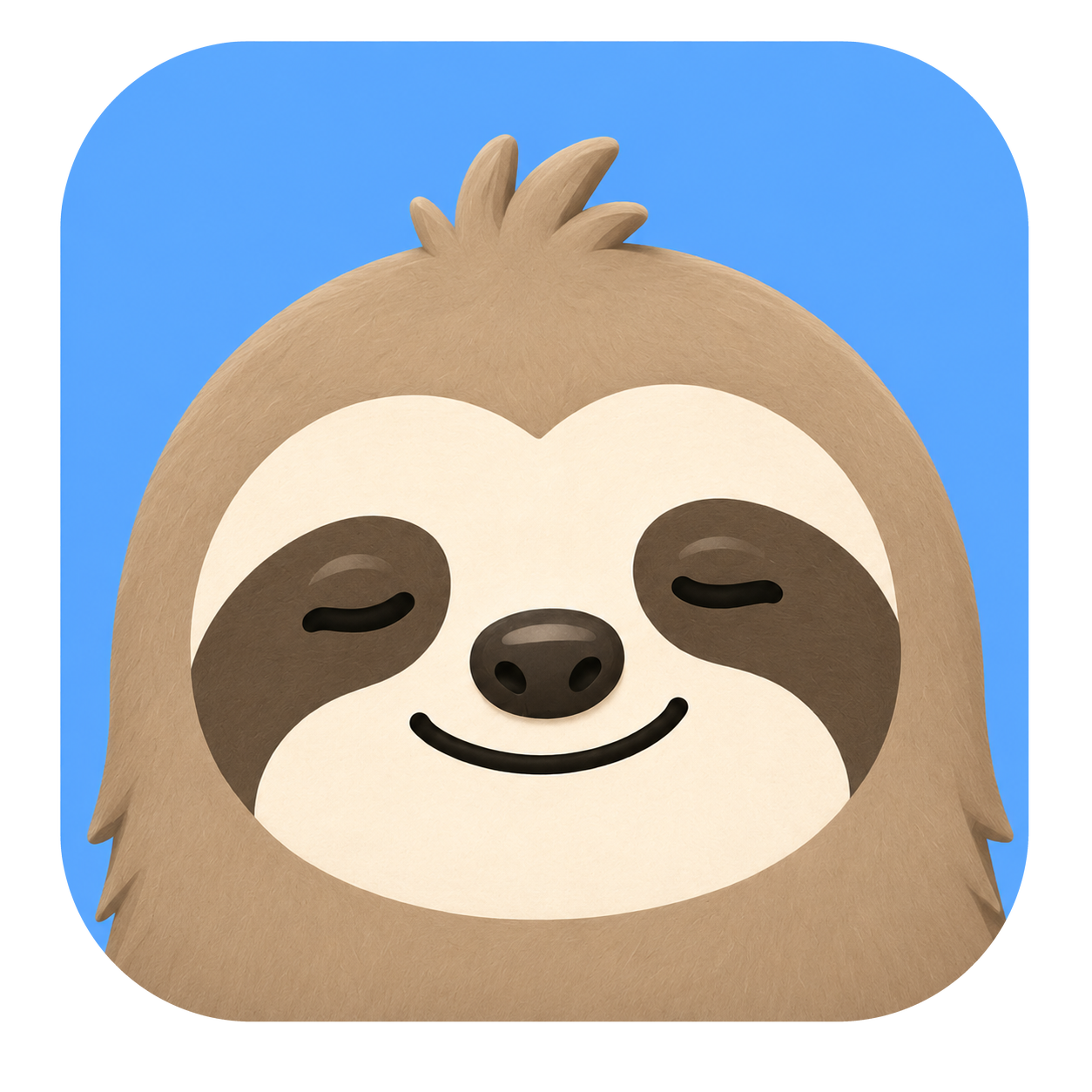
Mark
The sloth on its tile. Use the mark alone when the name already appears beside it, or below 28px where the wordmark stops being readable.


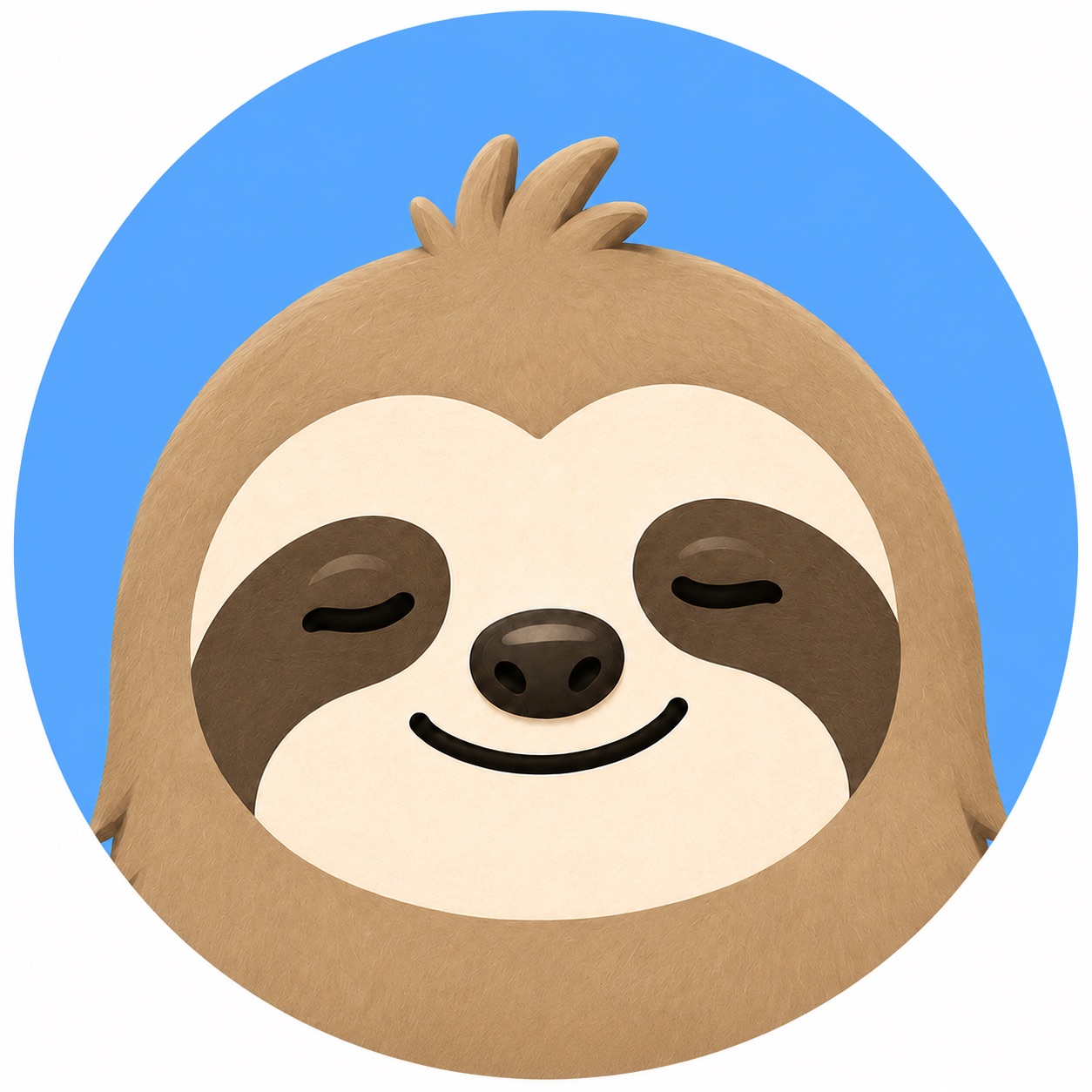
Mascot
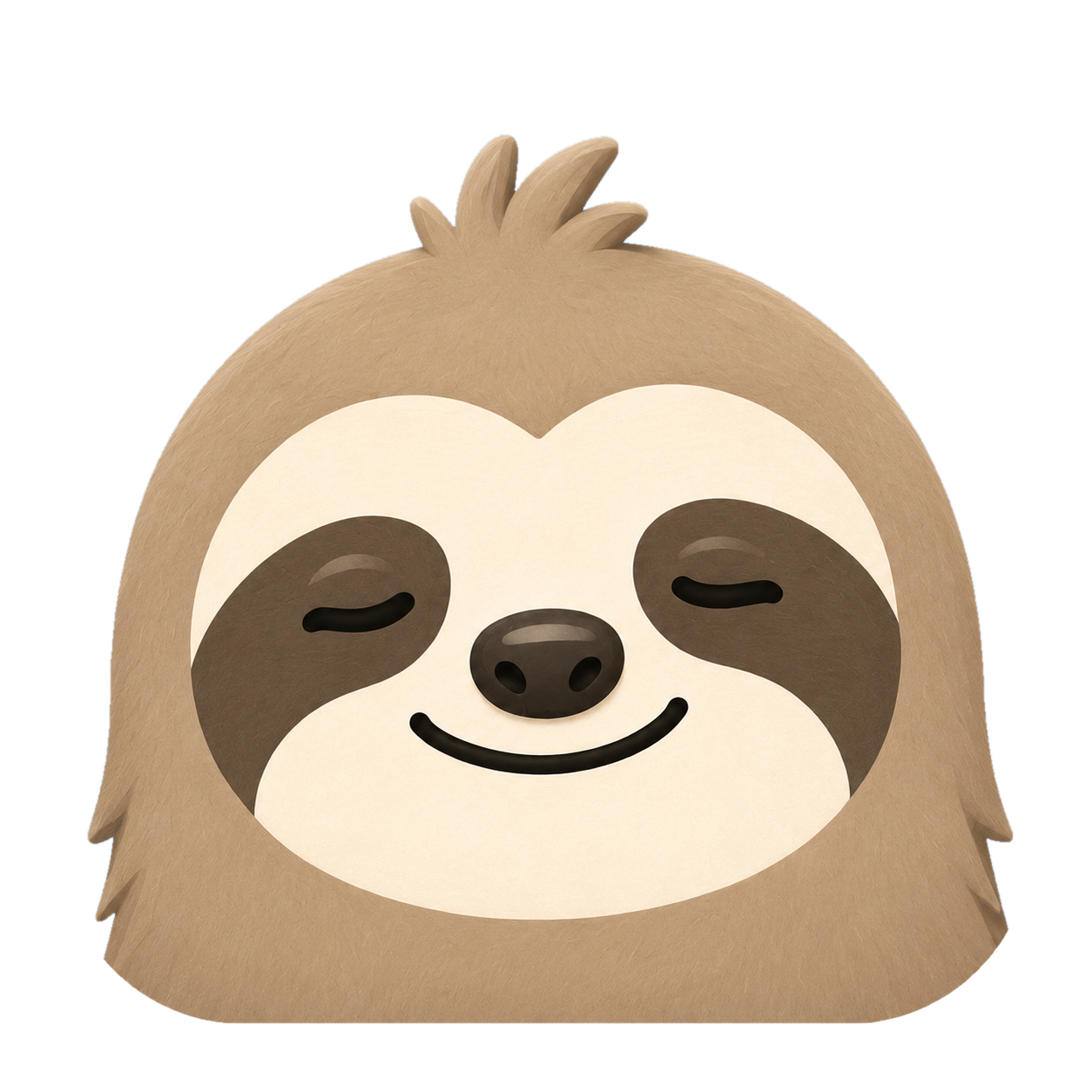
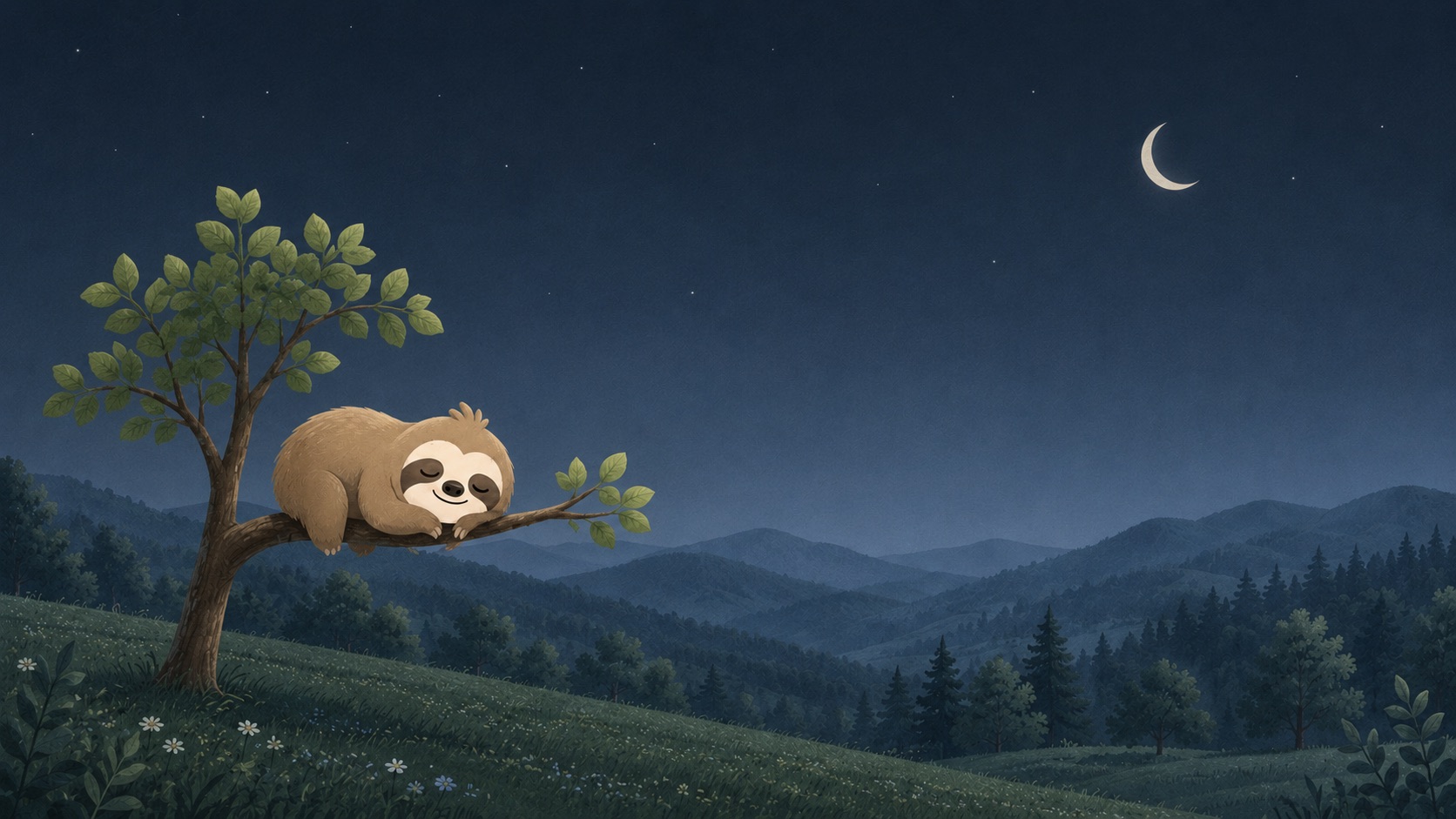
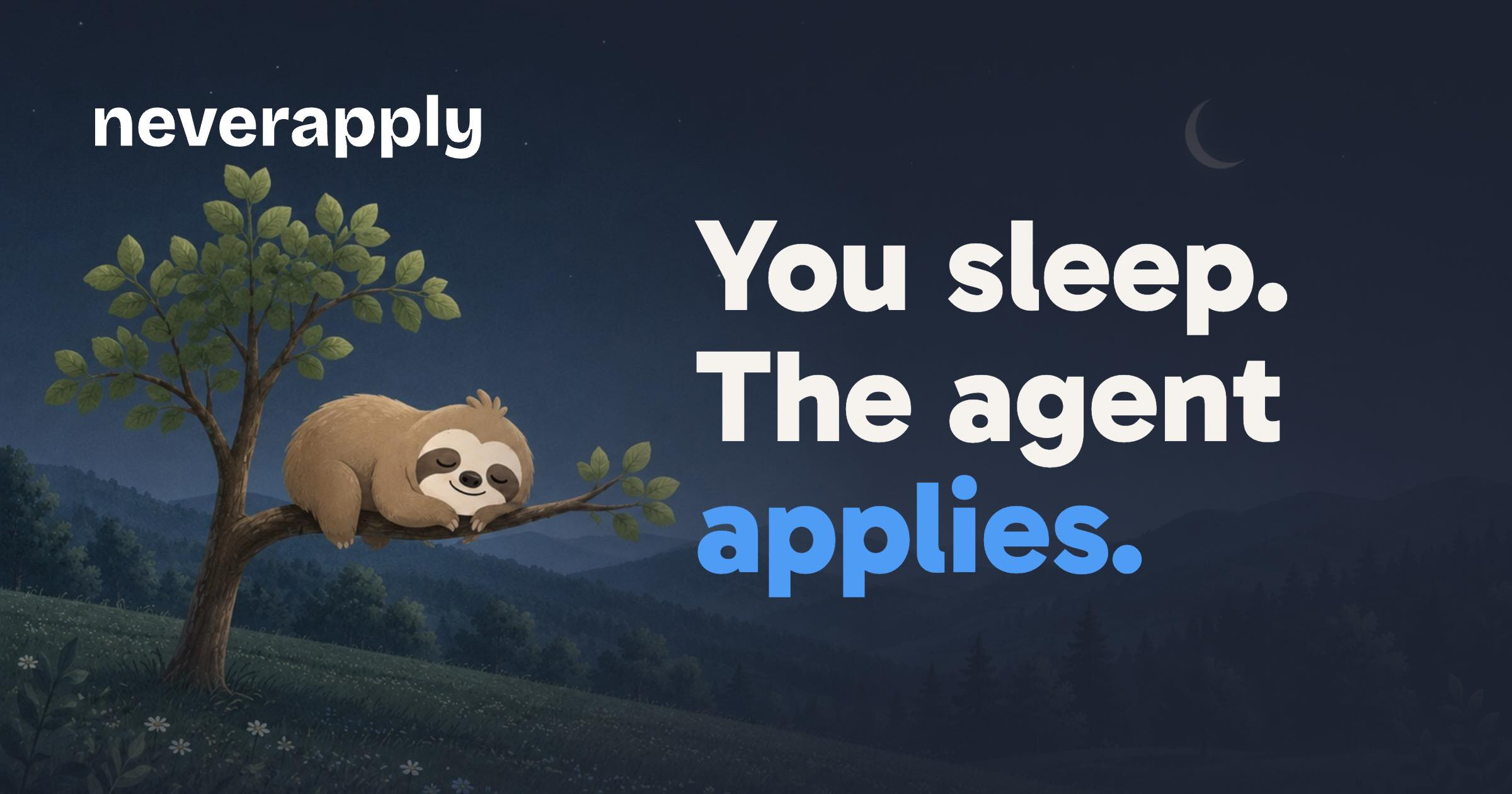
The sloth off its tile. Editorial and decorative art. These poses keep his eyes closed, and one sloth per surface is the limit.













HDR
The same artwork with extra brightness data attached. On an HDR screen these render brighter than the white around them. On any other screen they look normal.
Pick the format by destination.
Ultra HDR JPEG for Instagram, Threads, and Facebook. Native HDR PNG for LinkedIn company images only, because it drops transparency and looks washed out anywhere the colour profile is ignored. Post the image on its own: overlays and in-app crops flatten it back to normal.




Colour
Sky is the only saturated colour, and one screen carries one Sky action. If a layout feels blue, it is wrong.
Rules
Two lists. The first is the one that matters.
Please do
- Use the files as they are shipped here.
- Put the light lockup on light, and the dark lockup on Night.
- Leave clear space around the logo equal to half the height of the mark.
- Drop to the mark alone below 28px, and never go under 16px.
- Write NeverApply in prose, and neverapply in the logo.
Please do not
- Recolour, stretch, rotate, outline, flip, or add effects.
- Set the light lockup on a dark background.
- Use the wordmark without the mark. There is no wordmark-only logo.
- Tile or repeat the sloth.
- Open his eyes outside marketing and social art. In the product they stay closed.
- Redraw or trace the artwork to make your own version.
Need something else?
Ask for a format that is not here, or check a use before you publish it.
Contact us